From everyday errands to business deliveries.
Send a package, arrange collection or request a purchase-and-deliver errand. Add the instructions and supporting photos the courier needs, review the budget and follow the job in the app. You stay where you are; the courier handles the journey.
Explore 10 features
Request a pickup and follow delivery progress.
Enter your pickup in the app to check service availability. A country listing does not guarantee a nearby provider.
Actual app demonstration. Private demo details are redacted where needed; example prices and records are not live offers.
One place for your delivery requests
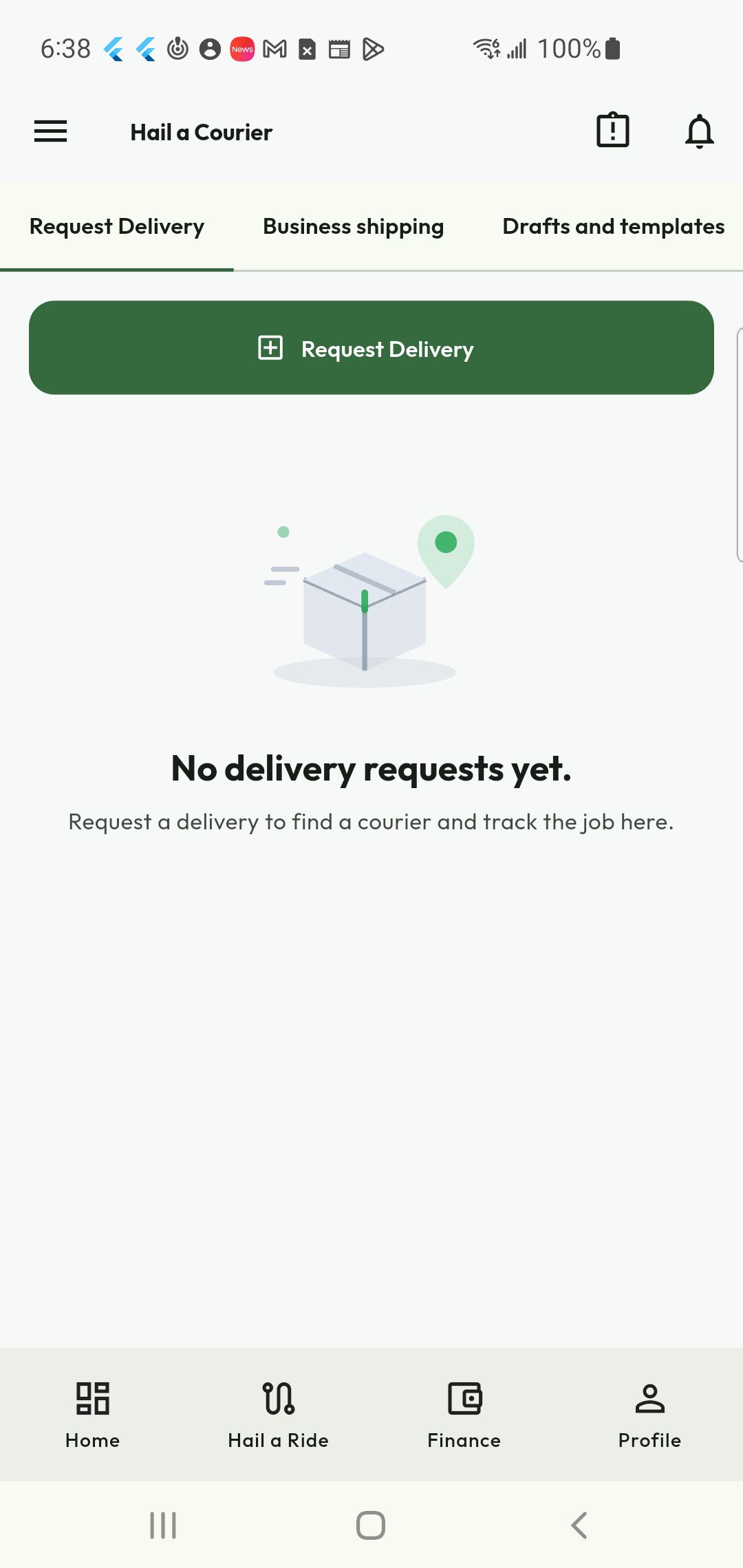
Start from Shipping & Delivery when a package or errand needs attention. The request centre brings the entry points for a new delivery, business shipping and drafts together. Open your requests to follow their status instead of creating a second job simply because you need an update on the first.
- Start a new delivery from the request centre.
- Find business-shipping and draft tools.
- Return to existing requests for their next action.
Choose the job that matches the errand
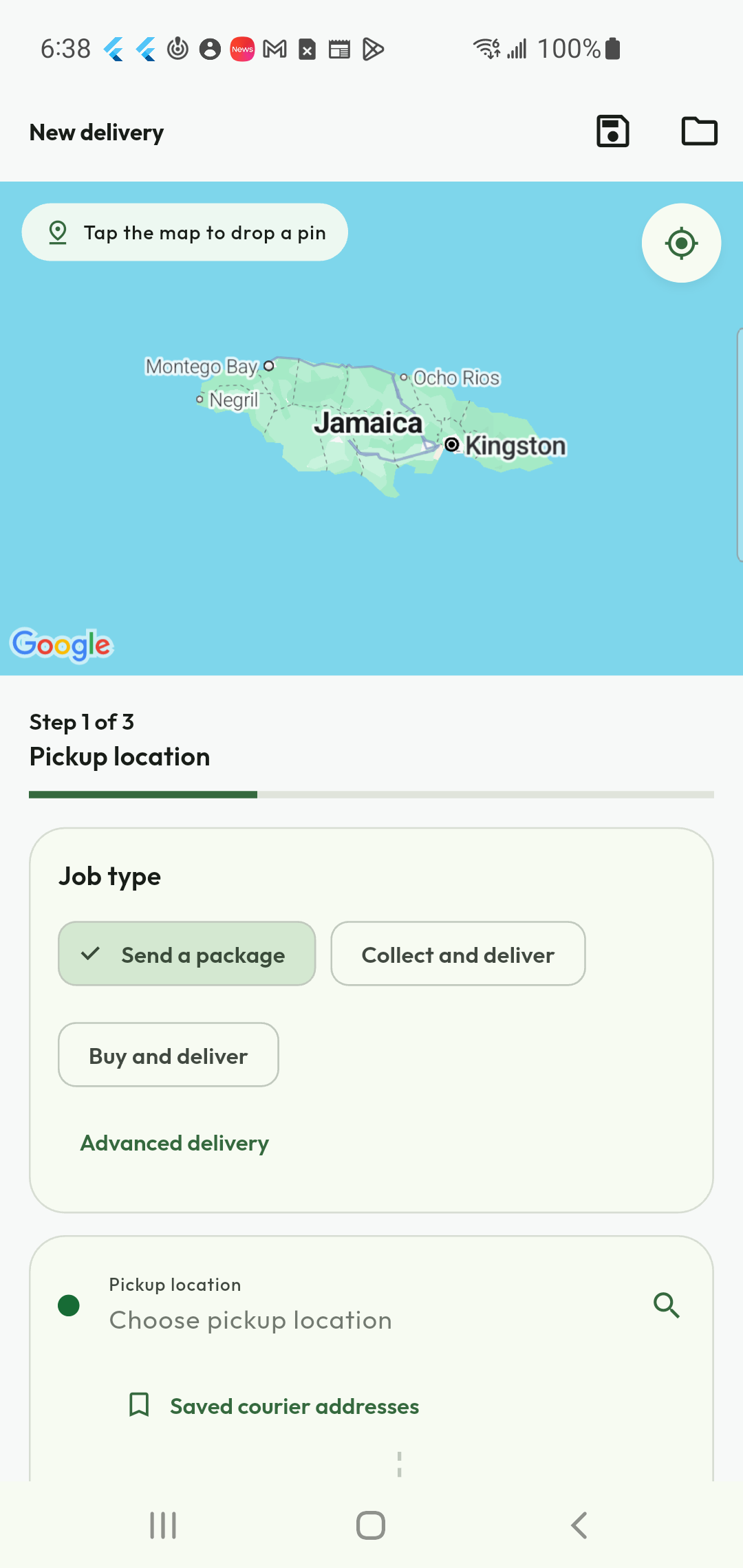
Send a package, arrange a collection and delivery, or ask for a purchase-and-deliver errand. Choosing the job type first gives the courier the right context for the work. You do not ride along: the request describes the task and the courier handles the journey, subject to service availability and the applicable conditions.
- Send a package from your pickup point.
- Arrange collection from another location.
- Request an eligible shopping errand with delivery.
Make pickup and destination clear
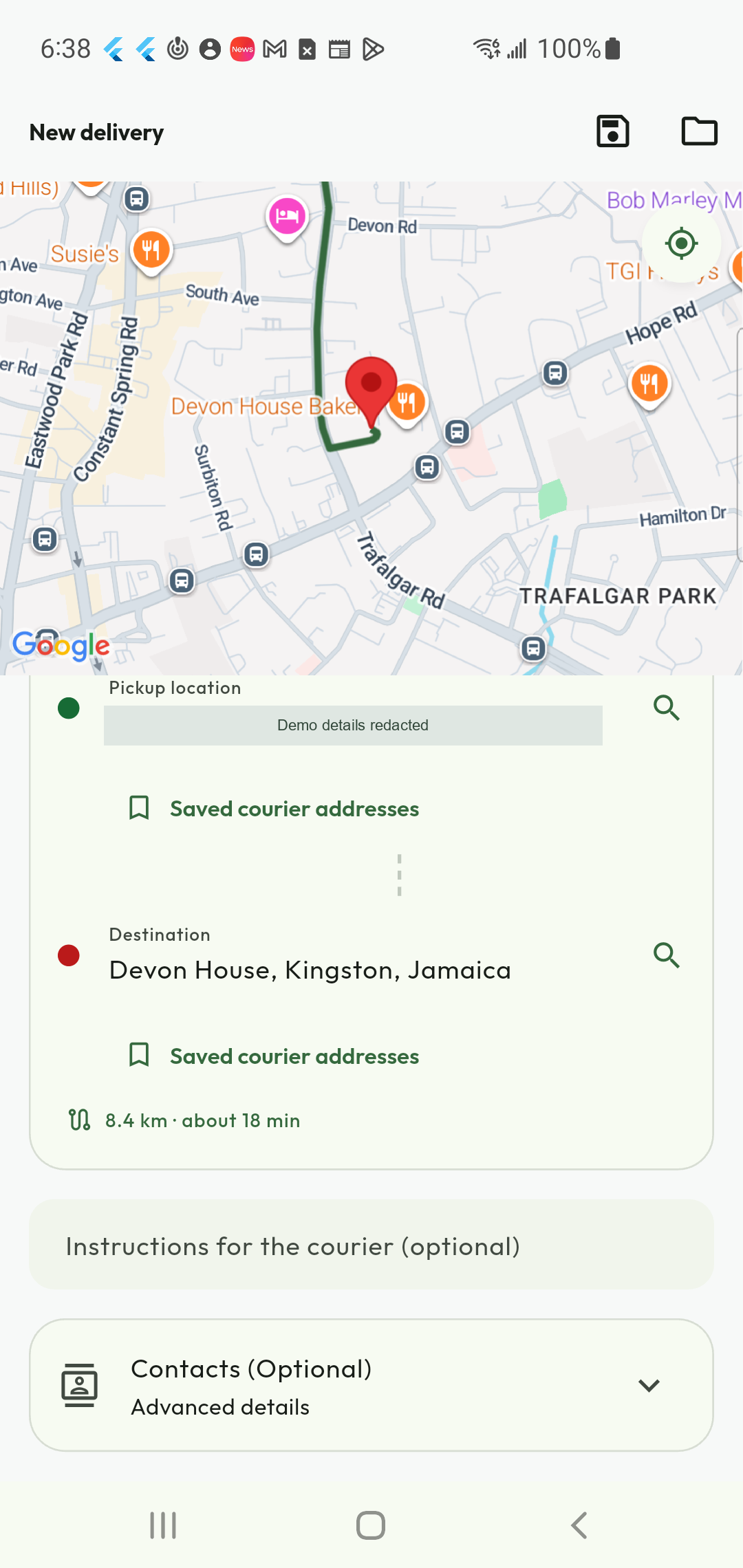
Choose the pickup and destination, check the route estimate and add useful instructions. Saved courier addresses help with familiar locations. Contact fields are marked optional where the workflow permits, so you can provide the information relevant to the task without turning a simple delivery into a lengthy form.
- Review the selected addresses and route.
- Reuse saved courier locations.
- Add contacts and access instructions when needed.
Describe the package and the timing
Give the courier a useful description of what needs moving, then add supporting details and choose the timing offered by the request flow. A clear description helps the courier assess the job before accepting. Use the schedule option for planned work and review the service’s restrictions before requesting transport for unusual or sensitive items.
- Describe the package accurately.
- Attach relevant supporting documents.
- Choose immediate or scheduled work where available.
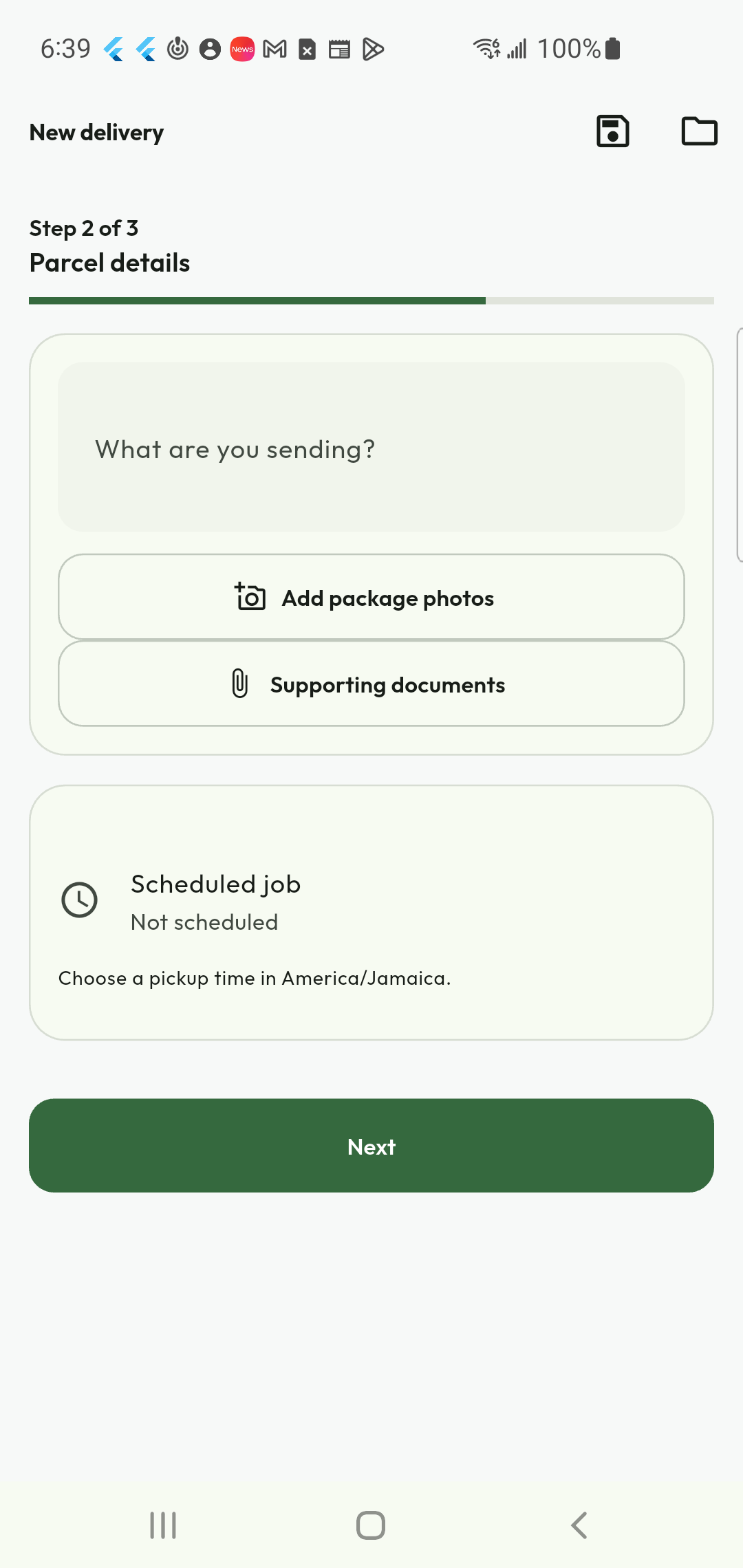
Add a photo straight from your phone
A useful photograph can explain a package more clearly than a long message. Take a photo in the package-photo flow, choose one from the gallery or select an image file. Include only what the courier needs to identify or handle the package; avoid exposing personal documents or unrelated information in the photograph.
- Capture a package photo with the camera.
- Choose an existing gallery image.
- Keep supporting documents in the appropriate field.
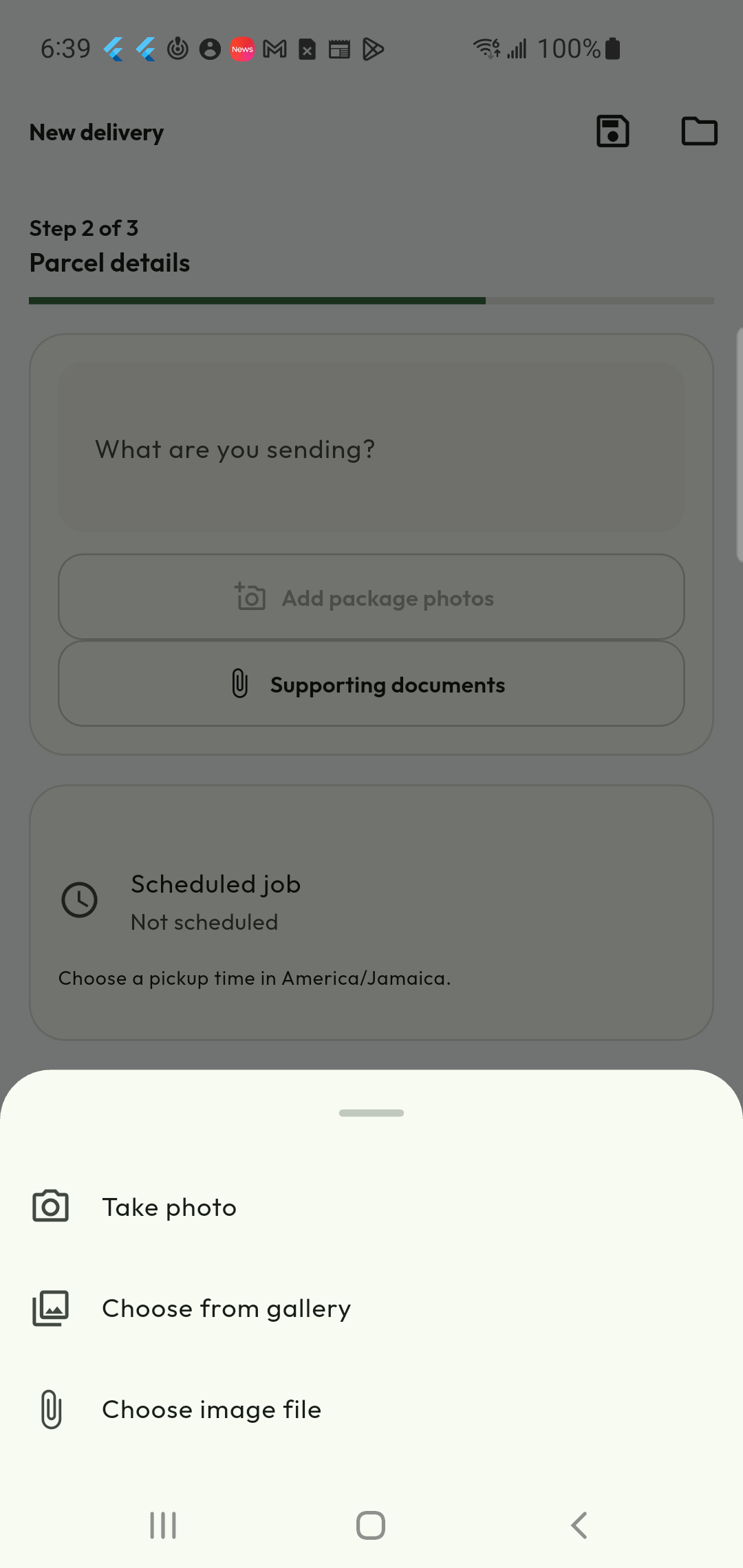
Review the budget before requesting
The final review brings the job type, addresses, contacts, package details and proposed fare together. Check the amount to authorize and the quote’s validity before sending the request. In bidding mode, publishing the request does not itself accept a courier’s offer: compare the offers and complete the applicable confirmation steps.
- Check the job details before submitting.
- Review the proposed fare and payment method.
- Approve additional shopping spend through the applicable flow.
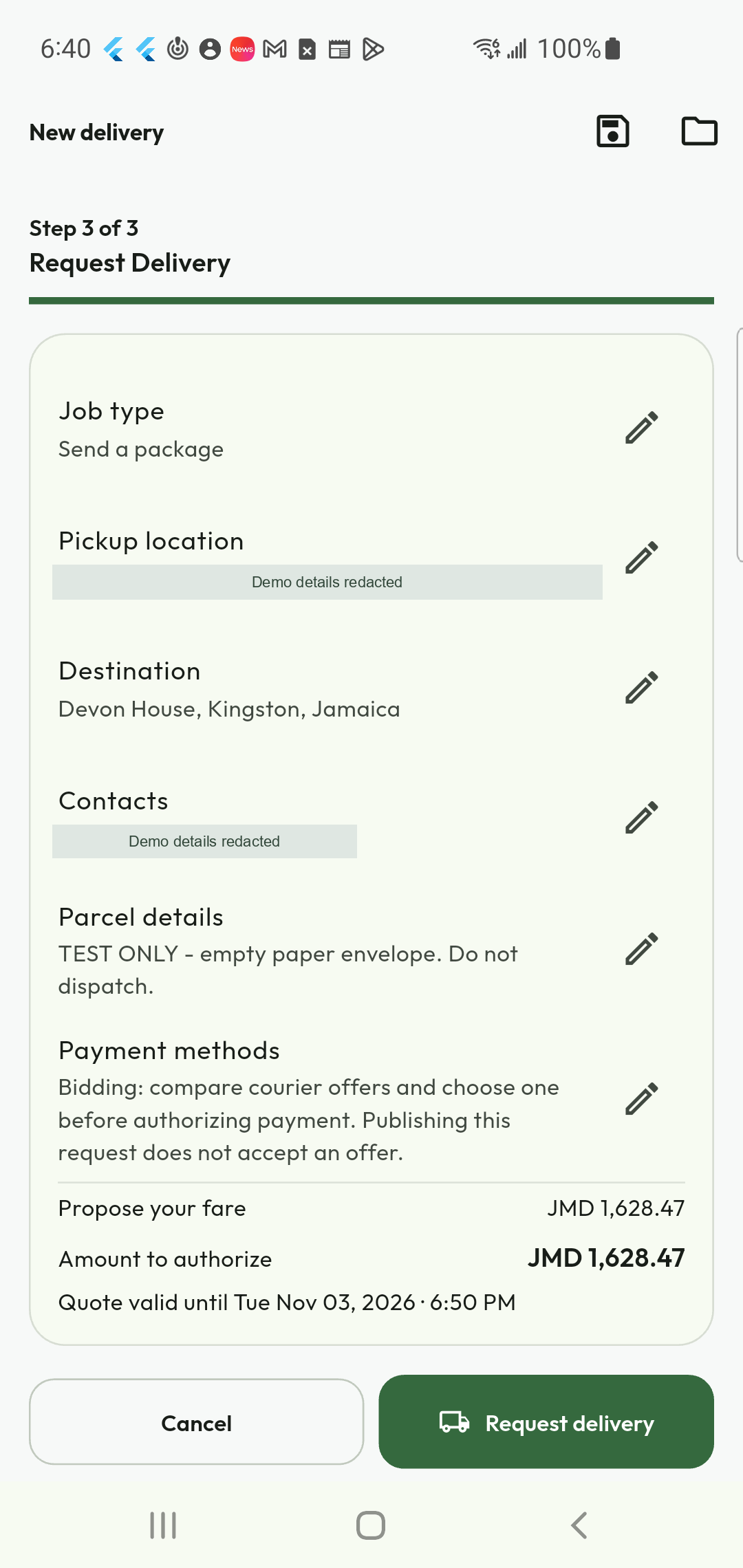
Give every job a clear reference
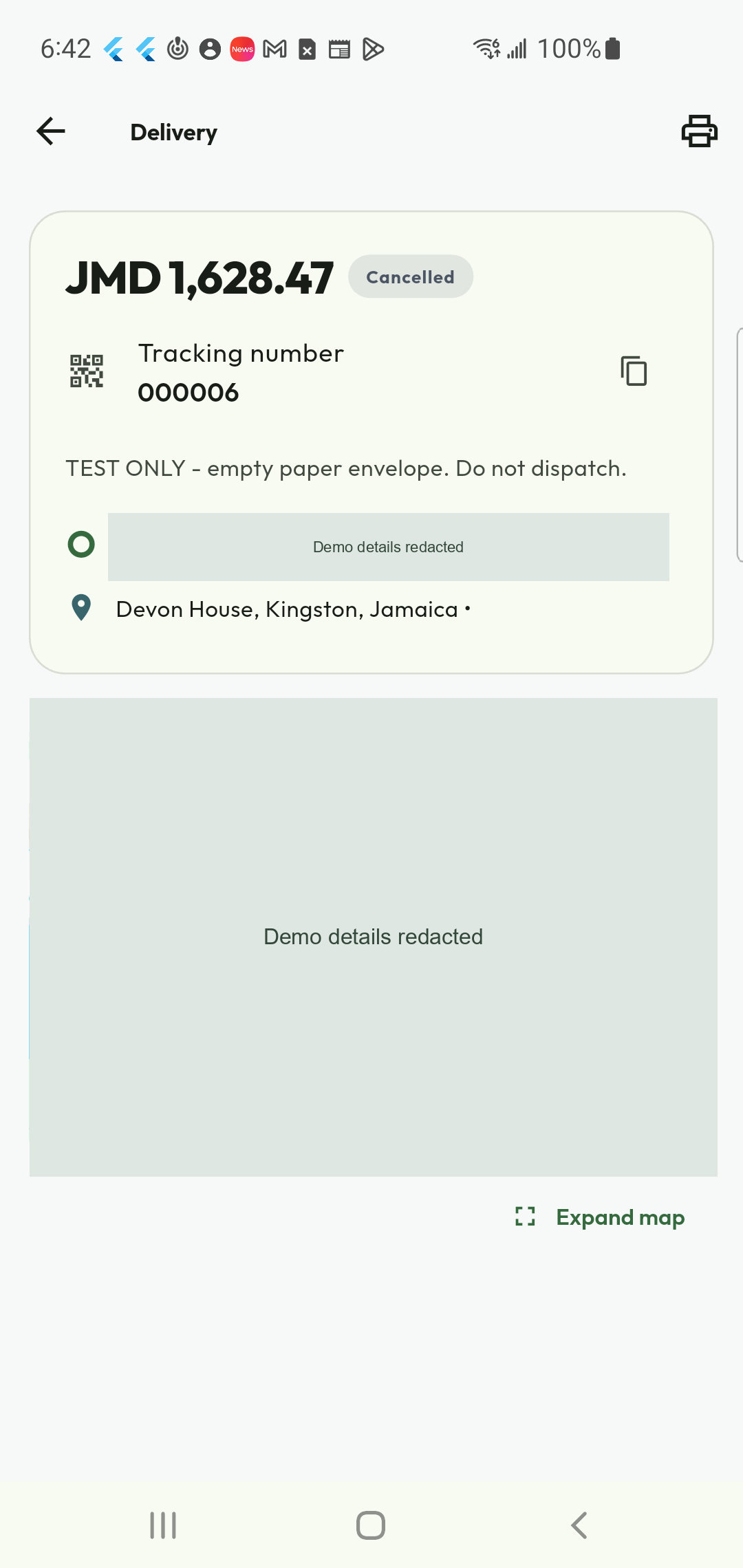
Each delivery has a tracking number and a visible status, so you can identify the right request when checking progress or contacting support. Open the job record for the information available at its current stage. A requested job is still waiting for the next step; it is not proof that a courier has collected the package.
- Find the delivery’s tracking number.
- Read the current job status.
- Use the reference when discussing that delivery.
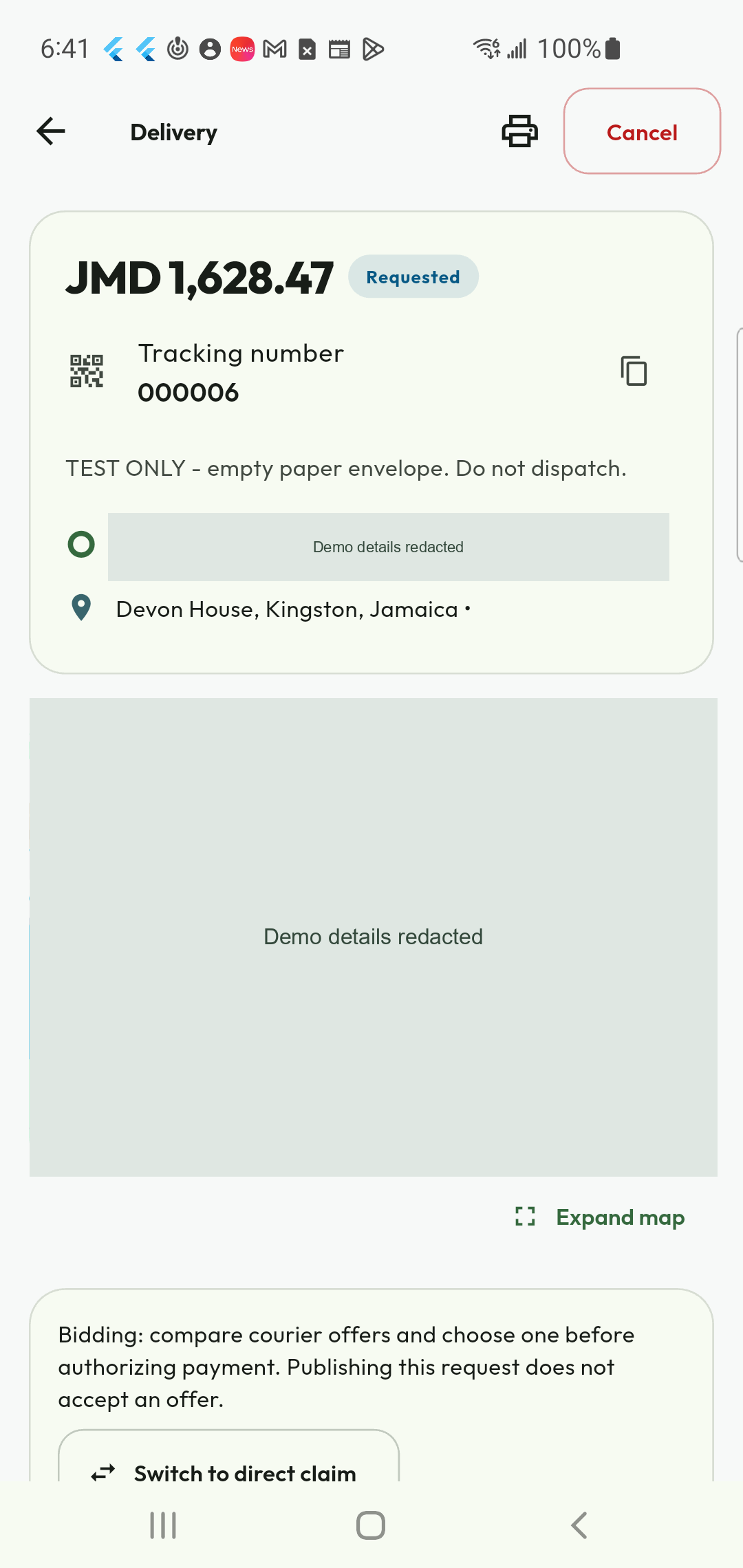
Stay in control when plans change
Open the delivery record to use the cancellation action when the current stage allows it. Review the confirmation and any applicable conditions, then check that the status has changed to Cancelled. This gives you a clear outcome instead of leaving an unwanted request open or submitting another job to replace it.
- Cancel eligible requests from their detail view.
- Review any conditions before confirming.
- Verify the final status after cancellation.
Save time on familiar deliveries
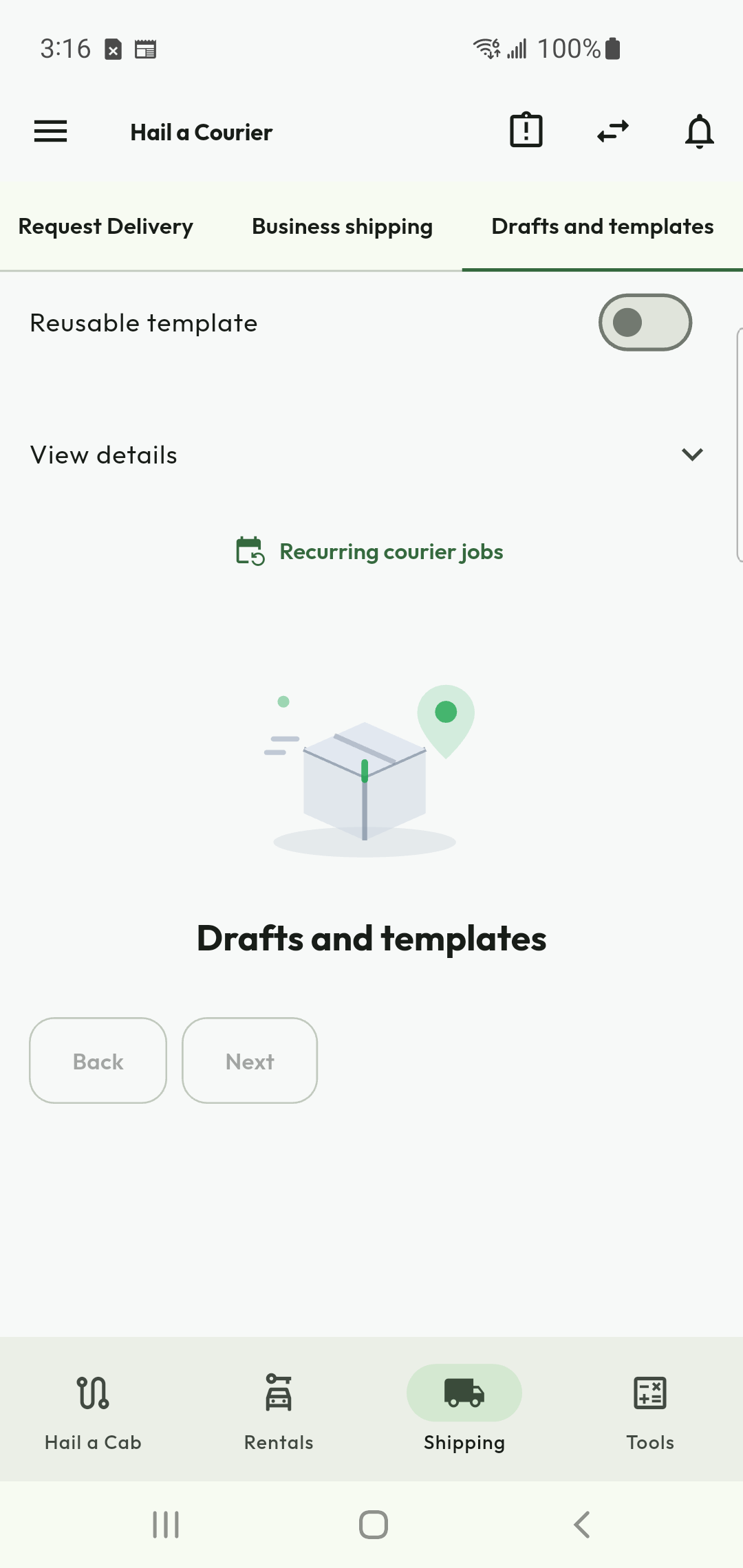
Drafts and reusable templates help you prepare recurring work without rebuilding every detail. Start with saved information, then check the addresses, package, timing and budget for the new job. A template is a convenient starting point, not permission to reuse an old quote or dispatch a delivery without reviewing it.
- Save unfinished work as a draft.
- Use templates for familiar delivery patterns.
- Review each new request before sending it.
A dedicated path for courier providers
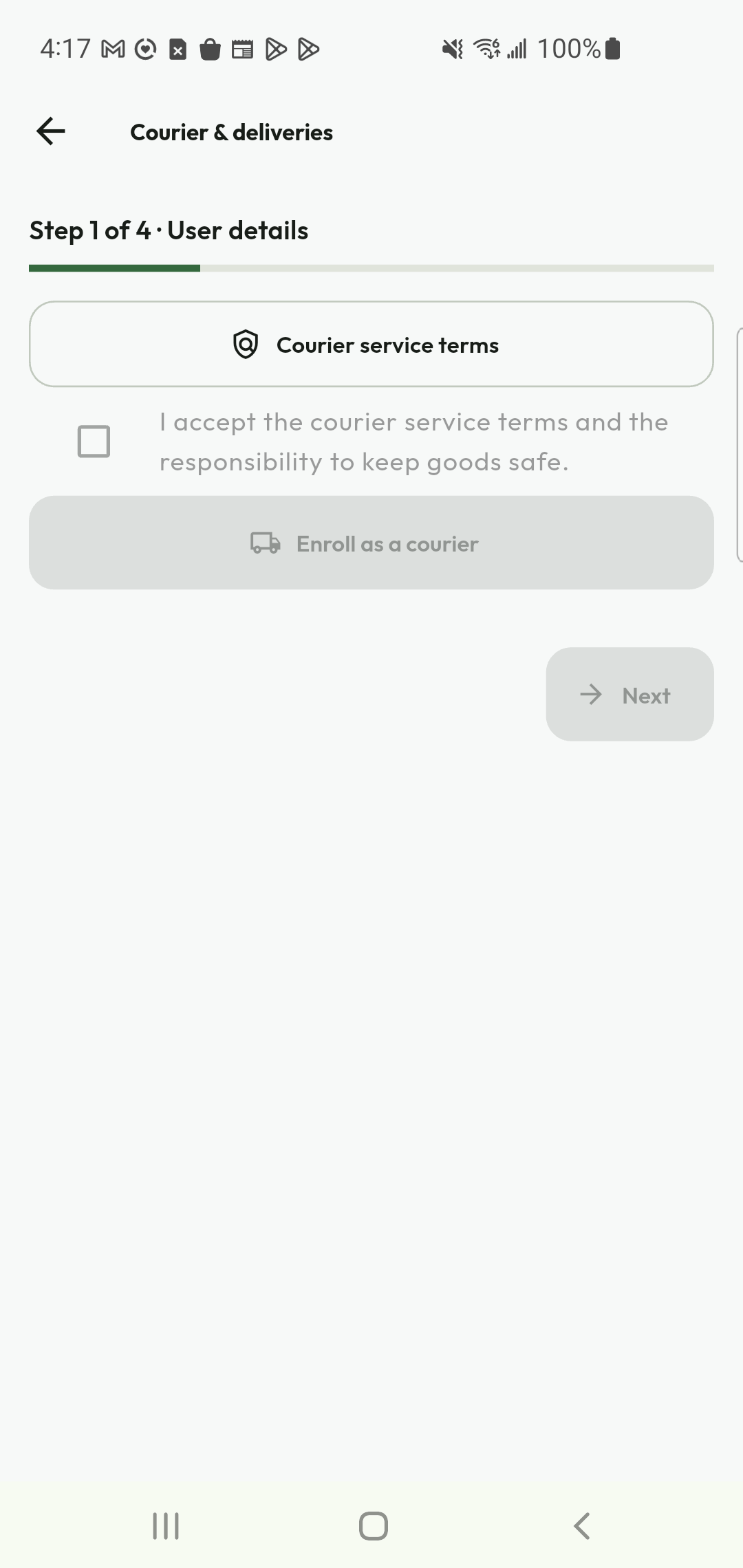
Transportation Providers can choose courier work and follow its own onboarding path, including the required information, documents and service agreement. The courier workspace is designed around delivery jobs rather than passenger trips. Service readiness and membership are separate: selecting a plan does not replace the approvals required to perform the work.
- Complete courier-specific onboarding.
- Review and accept the applicable service terms.
- Check readiness before becoming available for jobs.
Put your fleet or courier team to work.
Tell us where you operate and which transportation services you offer.
Ready to make your next move?
Enter your pickup in the app to check service availability. A country listing does not guarantee a nearby provider.