Short answer: Rider safety works best as a sequence: prevent a mismatch before getting in, notice meaningful changes during the trip, and know how to respond if help is needed. KiloDrive can support those steps with identity and vehicle context, optional pickup verification, trip sharing, route-change prompts and support escalation, but availability depends on country policy, account settings and the live trip state. No app feature guarantees safety.
What this means Pause long enough to check the driver, vehicle and plate; keep your own judgement; share only what is necessary; and use local emergency services for immediate danger. An in-app alert is a tool for making a decision, not proof that something is wrong or a replacement for emergency responders.
Prevention starts before the door opens
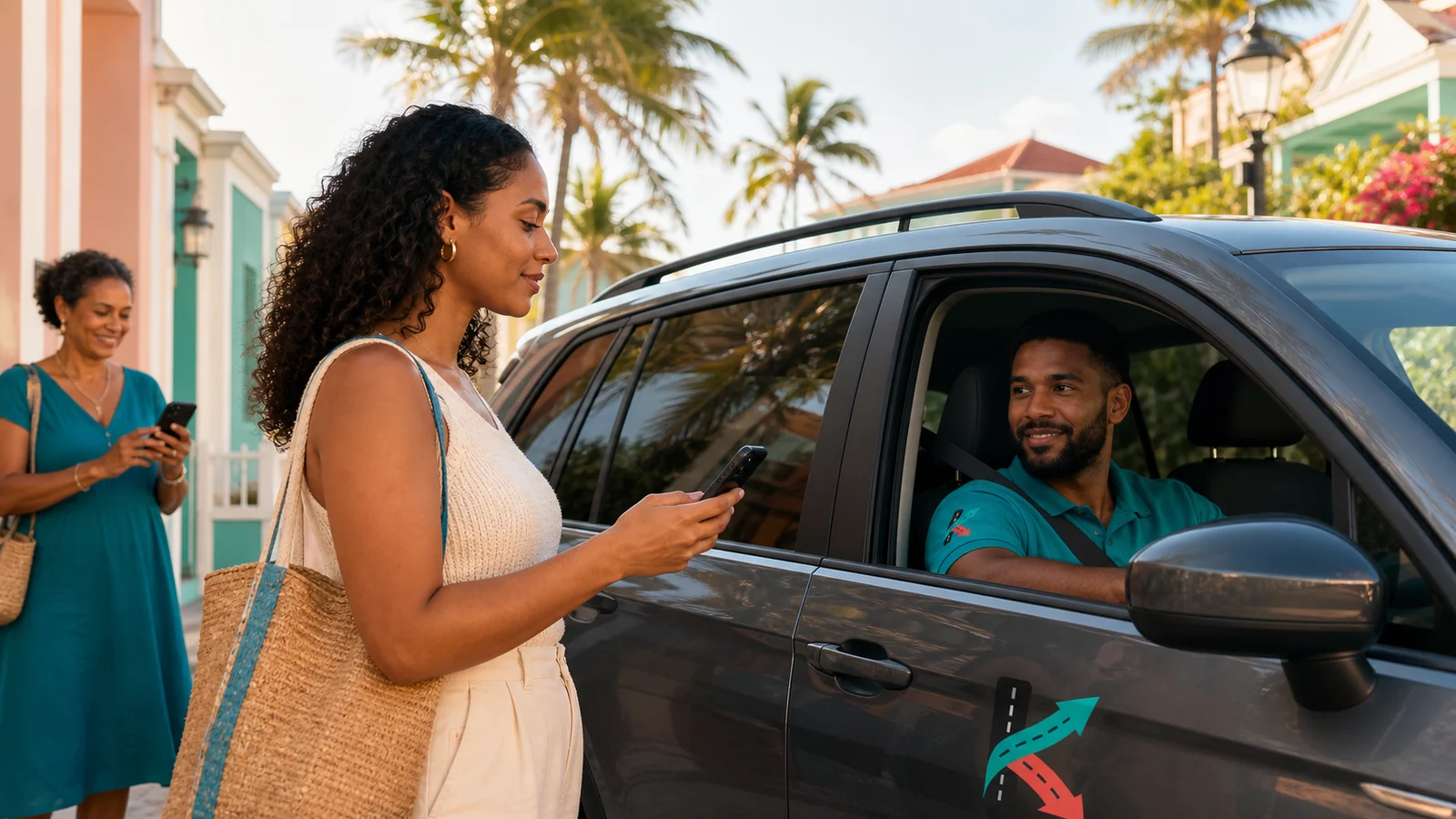
Compare the name, vehicle, registration plate and profile details shown for the assigned trip with the person and vehicle that arrive. If a material detail differs, do not enter just because the driver knows your name or pickup point. Move to a safe place and use an in-app cancellation or support route where available. The KiloDrive rider guide explains the normal trip flow, while the Safety Centre should be read before the first urgent situation.
Pickup verification can add a second check. KiloDrive supports a policy-controlled, short-lived challenge that may be presented as a PIN or signed QR code. It is single use, belongs to one trip and is not meant to be posted in public or sent to an unknown caller. The feature is disabled unless the applicable country or rider policy enables it. When it is not enabled, the ordinary identity-and-vehicle comparison remains important.
Choose a pickup point where you can wait without stepping into traffic. If the map pin is wrong, correct it before the trip is accepted when possible. Tell the driver about an accessibility need through the supported trip controls rather than placing sensitive medical details in free-text chat.
Detection during the trip
A live map can show movement toward pickup and during the trip, but every location fix has an age and accuracy. Buildings, tunnels, device power settings and weak data coverage can delay or shift the marker. A stale dot should be labelled as stale rather than presented as live. It should never be used alone to accuse a driver or to settle a fare.
KiloDrive's RideCheck route-change design compares validated trip telemetry with the expected route. When a meaningful deviation is detected under the active country policy, the rider can be asked whether everything is all right, allow the change, or open emergency help. A diversion may be sensible because of traffic, a closure, a passenger request or a safer road. The prompt supports a conversation and records a safety event; it is not an automatic finding of misconduct.
If the connection drops, the interface should show the last update time rather than quietly freezing. Active-trip background location is intended to continue only for relevant assigned and in-progress states, with a visible system indicator where the platform requires it. The Privacy Policy describes collection, sharing, retention and stopping conditions.
Response: choose the right channel
For an immediate threat, contact the local emergency service. KiloDrive resolves the displayed emergency number from the authenticated user's authorized country context; travellers should still know the local number independently because a phone or data connection can fail. Support tickets and safety cases are designed for follow-up, evidence and escalation, not real-time emergency dispatch.
Trip sharing uses a revocable, expiring opaque link. The public view is deliberately bounded: it can expose coarse trip progress without revealing private chat, wallet information, identity documents or full account details. Share it with a person you trust, revoke it when no longer needed, and remember that anyone who receives the link may forward it before expiry. Review the Terms and current sharing screen for the exact scope.
KiloDrive communication should use platform-mediated channels where supported so personal phone numbers do not need to be exchanged. After trip closure, call and chat actions should close according to the product policy. Avoid moving a safety conversation to an unverified external account simply because someone asks.
A simple three-stage routine
| Stage | Useful action | Limit to remember |
|---|---|---|
| Before pickup | Check driver, vehicle and plate; use enabled pickup verification. | Verification state can change and does not replace personal judgement. |
| During trip | Watch freshness, discuss a reasonable route change, share with a trusted person if useful. | GPS noise and diversions can create false alarms. |
| If concerned | Use the in-app safety action, move toward a safe location where possible, and call local emergency services for immediate danger. | Support is not an emergency-response service. |
What is still uncertain
Pickup confirmation, recording, background telemetry, emergency numbers and route-deviation thresholds can be restricted by jurisdiction, platform permission, device capability or an operational feature gate. Recording in particular requires country-specific consent and retention review and must never be assumed available. Check the live app and the current legal documents, because a screenshot or older article cannot prove that a control is active today.
Sources
- Road traffic injuries — World Health Organization.
- Real-time location sharing guidance — Google Maps Help.
- KiloDrive Safety Centre and Privacy Policy.
Frequently asked questions
Does a safety badge guarantee a safe trip?
No. A badge can summarize reviewed evidence or completed-trip history, but it cannot predict every person's behaviour or every road event.
What should I do if the arriving plate does not match?
Do not enter the vehicle. Move to a safe place, use the trip's support or cancellation control, and contact local emergency services if you face an immediate threat.
Is every route change dangerous?
No. Traffic, road closures, navigation updates and an agreed stop can explain a change. Use the prompt to check context, and escalate when the circumstances genuinely concern you.
What can a trip-sharing link reveal?
KiloDrive's bounded public share is designed to show coarse trip progress, not private chat, payment data or identity documents. Treat the link as sensitive and revoke it when finished.
Will safety tools work without data or location permission?
Some controls may be limited when connectivity, location permission or device services are unavailable. Keep an independent way to contact a trusted person or local emergency service.